

Pricing complex products and services can become difficult when businesses have multiple products, customer segments, discount rules, subscription models, volume-based pricing, and negotiated deals.
Salesforce Revenue Cloud Pricing is designed to help businesses manage these pricing scenarios within Salesforce. Salesforce’s current documentation increasingly refers to Revenue Cloud as Revenue Management, while the pricing capabilities remain centered around Salesforce Pricing.
Instead of manually calculating discounts or maintaining disconnected pricing spreadsheets, businesses can use pricing procedures, pricing elements, decision tables, price adjustment schedules, and other Salesforce Pricing capabilities to calculate prices dynamically.
In this guide, we’ll explain:
- Salesforce Revenue Cloud pricing
- Revenue Cloud pricing procedures
- Price adjustments
- Discounts
- Price Adjustment Matrix
- Volume and tier-based pricing
- Manual discounts
- Pricing examples
- Revenue Cloud licensing considerations
- Common pricing mistakes
- Best practices for implementation
What Is Salesforce Revenue Cloud Pricing?
Salesforce Revenue Cloud Pricing is the pricing framework used to determine the appropriate price of a product or service during the selling process.
The pricing process can start with a product’s list price and then apply different rules and adjustments before arriving at the final net price.
Salesforce Pricing supports pricing strategies involving factors such as:
- Product attributes
- Quantity
- Customer information
- Product bundles
- Subscriptions
- Discounts
- Price adjustments
- Pricing agreements
- Promotions
- Custom business rules
Salesforce describes pricing procedures as the core engine for calculating product prices. They can use information from decision tables, formulas, custom objects, and other pricing data.
How Does Revenue Cloud Pricing Work?
A simplified pricing flow looks like this:
List Price
↓
Pricing Rules
↓
Price Adjustments
↓
Discounts
↓
Additional Pricing Logic
↓
Net Price
Salesforce Pricing uses pricing elements as the building blocks of a pricing procedure. Each element can perform a specific calculation or adjustment.
For example, imagine a company sells software for $10,000.
The pricing logic could apply:
- List price: $10,000
- Volume discount: 10%
- Partner discount: 5%
- Promotional adjustment: 3%
The pricing procedure determines how these rules should be applied and calculates the resulting price.
The exact outcome depends on the configured pricing logic and the sequence or resolution rules in the Salesforce org.
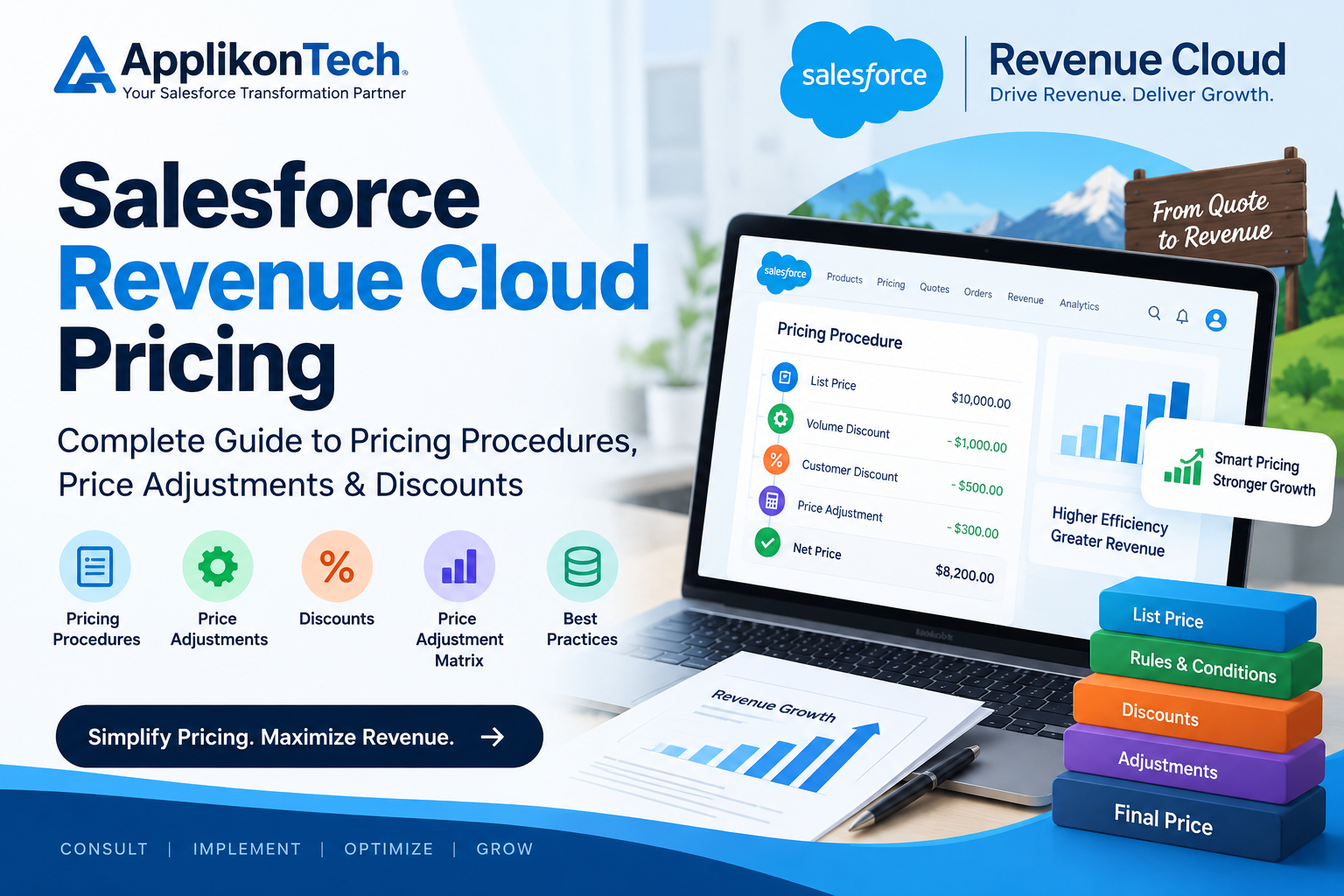
What Is a Pricing Procedure in Salesforce Revenue Cloud?
A pricing procedure defines the sequence of calculations and pricing rules used to determine the final price.
Salesforce describes pricing procedures as fundamental to pricing strategies in Revenue Management. They contain pricing elements that perform calculations, retrieve pricing information, apply discounts, and make adjustments.
A pricing procedure can include elements for:
- Fetching list prices
- Volume discounts
- Tier discounts
- Manual discounts
- Attribute-based pricing
- Bundle-based pricing
- Price Adjustment Matrix
- Formulas
- Subscription pricing
- Proration
- Price revisions
Salesforce also provides predefined pricing procedures and recommends leveraging predefined procedures where appropriate to maintain consistency.
What Are Pricing Elements?
Pricing elements are the individual components inside a pricing procedure.
Think of a pricing procedure as a pricing workflow, while pricing elements are the individual steps inside that workflow.
Salesforce documentation lists several pricing elements that can be used to calculate or modify product prices.
Some common examples include:
1. List Price
The list price provides the starting point for the pricing calculation.
2. Volume Discount
Applies a discount based on the quantity purchased.
3. Tier Discount
Applies different pricing rules depending on quantity tiers.
4. Manual Discount
Allows sales representatives to apply discretionary discounts.
5. Attribute-Based Price
Uses product or customer attributes to determine pricing.
6. Bundle-Based Price
Handles pricing for products sold together as bundles.
7. Price Adjustment Matrix
Allows more complex, scenario-based pricing adjustments.
8. Formula-Based Pricing
Uses formulas and mathematical calculations to determine pricing.
Salesforce Revenue Cloud Price Adjustments
Price adjustments allow businesses to dynamically modify a product’s price based on predefined business rules.
Salesforce supports price adjustment schedules for scenarios such as:
- Volume-based discounts
- Attribute-based adjustments
- Bundle-based adjustments
- Tier-based pricing
Salesforce provides predefined price adjustment schedules and also allows businesses to create custom schedules.
For example:
A company may sell a product for:
$1,000
But the business rule could be:
- 1–10 units → $1,000
- 11–50 units → 5% discount
- 51–100 units → 10% discount
- 100+ units → 15% discount
Instead of manually calculating the discount, Salesforce Pricing can use pricing rules to automate the calculation.
What Is the Price Adjustment Matrix?
The Price Adjustment Matrix is particularly useful when simple volume or standard discount rules aren’t enough.
Salesforce describes the Price Adjustment Matrix as a way to create dynamic pricing using custom decision tables and pricing criteria.
You can use it when pricing depends on multiple factors.
For example:
| Customer Type | Product | Quantity | Discount |
|---|---|---|---|
| Enterprise | Product A | 10+ | 5% |
| Enterprise | Product A | 50+ | 10% |
| Enterprise | Product B | 10+ | 7% |
| Partner | Product A | 10+ | 12% |
Instead of hardcoding every combination into a pricing procedure, the business rules can be managed through decision tables and used by the pricing procedure.
This makes complex pricing easier to maintain.
Revenue Cloud Discount Types
Businesses commonly use several types of discounts in Salesforce Pricing.
1. Volume Discounts
Volume discounts are based on the quantity purchased.
For example:
Buy 10 units → 5% discount
Buy 50 units → 10% discount
Buy 100 units → 15% discount
Salesforce provides Volume Discount and Tier Discount elements for quantity-based pricing.
2. Tier-Based Discounts
Tier-based pricing applies different pricing levels based on quantity.
For example:
- 1–10 → $100/unit
- 11–50 → $90/unit
- 51–100 → $80/unit
This is useful for wholesale and enterprise pricing models.
3. Manual Discounts
Sales representatives may sometimes need to negotiate a special price.
Salesforce supports manual or discretionary discounts that aren’t dependent on decision tables.
For example:
A customer is negotiating a large enterprise contract.
The standard pricing rule allows a 10% discount, but an authorized sales representative may apply an additional negotiated discount.
Organizations should establish appropriate approval and governance rules around these discounts.
4. Attribute-Based Discounts
Pricing can also depend on product attributes.
For example:
- Product size
- Product category
- Customer segment
- Region
- Contract type
- Service level
This allows companies to create more sophisticated pricing models.
5. Bundle-Based Discounts
Businesses selling multiple products together can create bundle-based pricing.
For example:
CRM + Service Cloud + Support
could receive a bundled price instead of calculating each product independently.
Salesforce Pricing supports bundle-based pricing as part of its pricing capabilities.
How Pricing Procedures and Decision Tables Work Together
Decision tables are an important part of complex Salesforce pricing strategies.
Salesforce describes decision tables as a foundation for pricing logic because they can retrieve values such as list prices, discounts, and volume tiers based on defined input criteria.
A simplified process can look like:
Customer + Product + Quantity
↓
Decision Table
↓
Pricing Rule
↓
Pricing Element
↓
Pricing Procedure
↓
Final Price
This architecture allows pricing teams to modify business rules without rebuilding the entire pricing process.
Example: Salesforce Revenue Cloud Pricing Calculation
Let’s consider a simple example.
A company sells a software package for:
List Price = $20,000
The customer purchases enough licenses to qualify for a:
10% volume discount
The company also provides an approved:
5% customer discount
The pricing procedure determines how those adjustments should be applied.
The final calculation depends on the configured pricing logic, including whether discounts are applied sequentially or cumulatively.
Salesforce’s Procedure Output Resolution supports different approaches, including minimum price, maximum price, stacking discounts, and applying discounts in sequence.
This is important because:
10% + 5%
doesn’t necessarily mean the final discount is simply 15%.
The calculation method defined by the pricing configuration matters.
Revenue Cloud Pricing for Subscription Businesses
Subscription companies often need pricing logic that changes over time.
Examples include:
- Monthly subscriptions
- Annual subscriptions
- Mid-cycle upgrades
- Downgrades
- Renewals
- Proration
- Usage-based pricing
Salesforce Pricing includes subscription and proration elements that can account for time-based pricing when customers start, cancel, or modify subscriptions during a billing cycle.
This can reduce the need for manual calculations and provide more consistent pricing.
Revenue Cloud Pricing for Usage-Based Models
Usage-based pricing is becoming increasingly important for SaaS and consumption-based businesses.
For example:
A company could charge:
- $0.10 per API call
- $0.05 per transaction
- $500 for the first 1,000 units
- Different rates after specific usage thresholds
Revenue Cloud pricing capabilities can support volume and tier-based pricing models, depending on the business configuration.
Salesforce Revenue Cloud Pricing and Price Revisions
Pricing doesn’t always move downward.
Businesses may need to increase prices because of:
- Inflation
- Contractual terms
- Rising costs
- Market changes
- Renewal policies
Salesforce provides a Price Revision element that can automatically adjust prices during renewals. Salesforce documentation also describes policy-driven price revisions and CPI-based renewal uplifts.
This can help businesses maintain margins while making price changes more predictable.
How Much Does Salesforce Revenue Cloud Cost?
Salesforce’s current pricing page lists:
- Revenue Cloud Growth: $150 USD/user/month, billed annually
- Revenue Cloud Advanced: $200 USD/user/month, billed annually
The Advanced edition includes capabilities such as contracts and orders, consumption and invoicing, AI, and analytics in addition to the Growth features. Salesforce notes that pricing is subject to change and that Advanced requires an annual contract.
However, the software subscription is only one part of the total Revenue Cloud cost.
Businesses may also need to consider:
- Implementation
- Configuration
- Data migration
- Integrations
- Custom development
- Testing
- User training
- Ongoing support
Therefore, organizations should evaluate the total implementation requirements rather than looking only at the license price.
Common Salesforce Revenue Cloud Pricing Mistakes
1. Overcomplicating the Pricing Procedure
Adding unnecessary pricing elements can make the pricing logic difficult to troubleshoot.
Start with clear business requirements.
2. Hardcoding Business Rules
If discounts and pricing rules change frequently, hardcoding them can make maintenance difficult.
Decision tables and configurable pricing structures can provide more flexibility.
3. Not Testing Discount Combinations
A pricing strategy may work correctly for one discount but produce unexpected results when multiple adjustments are combined.
Test:
- Volume discounts
- Manual discounts
- Promotions
- Bundle discounts
- Customer-specific pricing
4. Ignoring Pricing Governance
Not every salesperson should necessarily have unlimited authority to change prices.
Define:
- Discount thresholds
- Approval rules
- User permissions
- Pricing ownership
- Audit requirements
5. Not Planning for Future Pricing Models
Your pricing architecture should consider future requirements such as:
- Subscription pricing
- Usage-based pricing
- Global pricing
- Partner pricing
- Contract renewals
- Price revisions
A scalable pricing architecture can reduce future rework.
Best Practices for Salesforce Revenue Cloud Pricing
1. Start With Business Requirements
Document every pricing rule before building the configuration.
2. Use Standard Capabilities Where Possible
Salesforce recommends leveraging predefined pricing procedures where appropriate rather than unnecessarily rebuilding pricing logic.
3. Keep Pricing Rules Maintainable
Use decision tables and configurable pricing structures where they make sense.
4. Test With Real Scenarios
Test different customers, quantities, products, discounts, and contract situations.
5. Monitor the Price Waterfall
The pricing waterfall provides visibility into how the final price was calculated and helps teams understand adjustments. Salesforce highlights the price waterfall as a way to make complex pricing calculations easier to understand.
6. Plan for Governance
Set appropriate permissions and approval processes for manual discounts and pricing changes.
When Should You Consider a Salesforce Revenue Cloud Consultant?
Revenue Cloud pricing can become complex when an organization has:
- Multiple pricing models
- Complex discount structures
- Large product catalogs
- Subscription products
- Usage-based pricing
- Multiple sales channels
- Customer-specific pricing
- CPQ migration requirements
- Multiple integrations
In these situations, a Salesforce Revenue Cloud consultant can help with:
- Pricing architecture
- Pricing procedure configuration
- Decision tables
- Price Adjustment Matrix
- Discount strategies
- Data migration
- Testing
- Integration
- User training
- Go-live support
If your organization is struggling with complex Salesforce pricing rules, getting the architecture right before implementation can prevent expensive rework later.
Salesforce Revenue Cloud Pricing FAQ
What is Salesforce Revenue Cloud Pricing?
It is Salesforce’s pricing framework for calculating product and service prices using pricing procedures, pricing elements, discounts, adjustments, and business rules.
What is a Salesforce pricing procedure?
A pricing procedure defines the sequence of pricing calculations and adjustments used to determine a product’s final price.
What is Price Adjustment Matrix in Revenue Cloud?
Price Adjustment Matrix allows businesses to create more complex, scenario-based pricing adjustments using criteria and decision tables.
Can Salesforce Revenue Cloud handle volume discounts?
Yes. Salesforce Pricing provides Volume Discount and Tier Discount elements for quantity-based pricing.
Can sales representatives apply manual discounts?
Yes. Salesforce supports manual or discretionary discounts within pricing procedures.
Is Revenue Cloud the same as Revenue Management?
Salesforce’s current documentation uses Revenue Management and notes that it was formerly referred to as Revenue Cloud.
Conclusion
Salesforce Revenue Cloud Pricing can help organizations move from manual and disconnected pricing processes toward a more structured pricing model inside Salesforce.
With pricing procedures, pricing elements, decision tables, price adjustment schedules, Price Adjustment Matrix, volume discounts, manual discounts, and subscription pricing, businesses can create pricing strategies that support both simple and complex sales models.
The key isn’t simply configuring more pricing rules. The goal is to create a pricing architecture that is accurate, scalable, maintainable, and aligned with the company’s commercial strategy.
If your organization is planning a Salesforce Revenue Cloud implementation or needs help with complex pricing procedures, discounts, or price adjustments, a Salesforce consulting partner can help design and implement the right pricing architecture.
Need help with Salesforce Revenue Cloud pricing? Contact ApplikonTech for a Revenue Cloud consultation.

