

Businesses with complex pricing structures, configurable products, subscription models, and multiple sales channels need more than a basic quoting tool. They need a solution that connects product configuration, pricing, quoting, contracts, orders, and billing.
Salesforce offers solutions to help businesses manage these revenue processes. Two important products in this discussion are salesforce revenue cloud vs cpq
However, choosing between them is not as simple as comparing features. Both support product configuration, pricing, and quoting, but they differ in architecture, capabilities, scalability, and their approach to managing the revenue lifecycle.
If your business is planning a new Salesforce implementation, currently uses Salesforce CPQ, or is considering a move to a more advanced revenue management platform, understanding these differences is essential.
In this guide, we compare Salesforce CPQ vs Revenue Cloud, explain their major differences, explore business use cases, and help you identify which solution may be appropriate for your organization.
What Is Salesforce CPQ?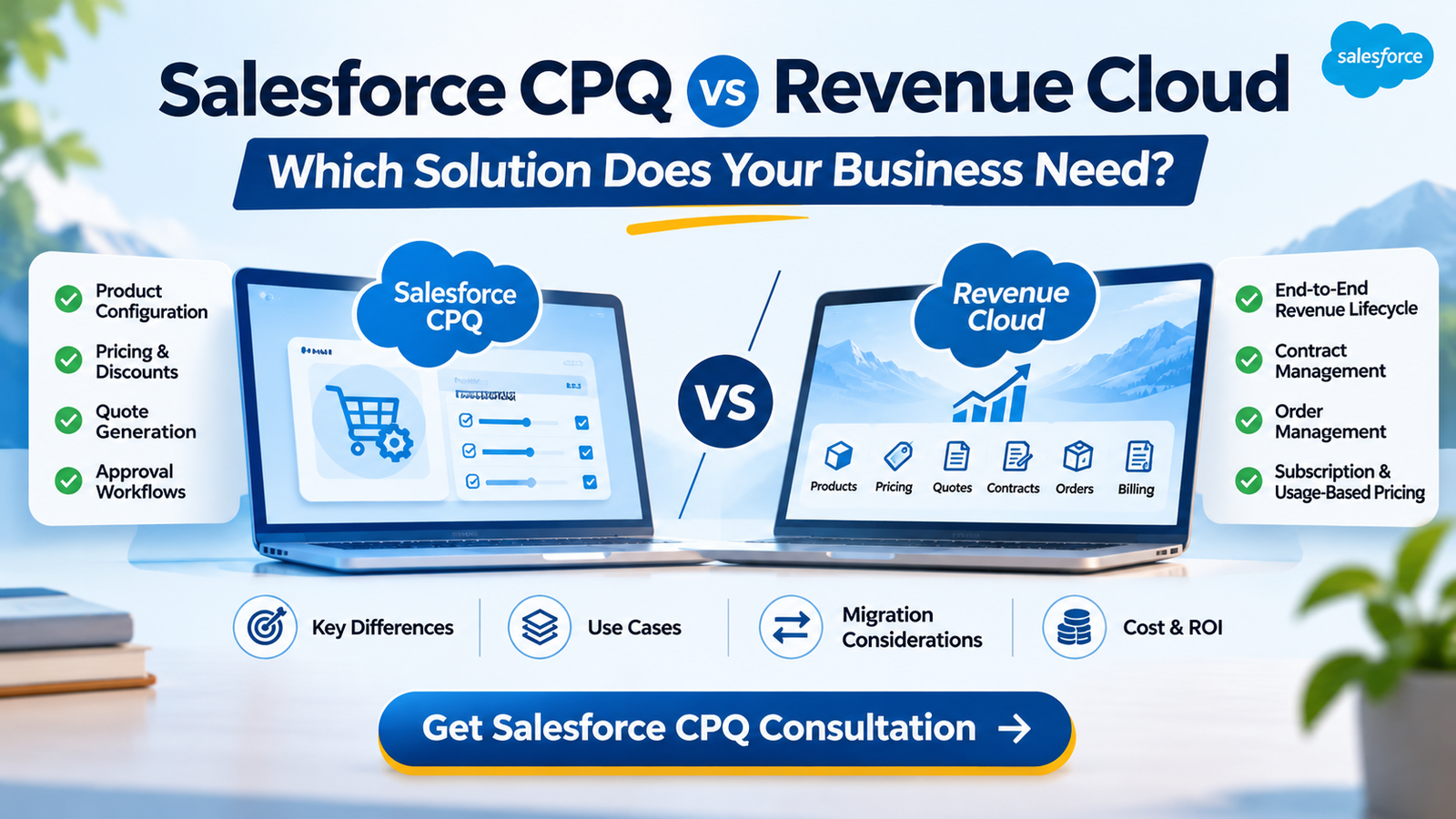
Salesforce CPQ stands for Configure, Price, Quote. It is a Salesforce solution designed to help sales teams configure products, calculate prices, apply discounts, and generate accurate customer quotes.
It is particularly useful for businesses selling products or services with complex pricing rules, multiple configurations, and approval requirements.
Key Salesforce CPQ Features
1. Product Configuration
Sales teams can configure products using predefined options, bundles, and business rules. This helps ensure that selected products and combinations meet business requirements.
2. Automated Pricing
Salesforce CPQ supports pricing rules, discount schedules, and other pricing configurations that help businesses calculate consistent prices.
3. Quote Generation
Sales representatives can generate customer quotes based on selected products, pricing, discounts, and other commercial details.
4. Discount Management
Businesses can configure discount rules and approval processes to maintain pricing consistency and manage commercial approvals.
5. Quote Management
Sales teams can manage quote records and track changes throughout the sales process.
6. Sales Process Automation
CPQ can help reduce manual work by standardizing product configuration, pricing calculations, and quote-related workflows.
Salesforce CPQ has traditionally been used by businesses that need a structured quoting process within their Salesforce environment.
What Is Salesforce Revenue Cloud?
Salesforce Revenue Cloud is designed to support a broader set of revenue operations beyond traditional product configuration and quoting.
Salesforce has evolved its Revenue Cloud product strategy, with Revenue Management being the current product terminology in its documentation. The platform extends revenue processes across product catalogs, pricing, quoting, contracts, orders, subscriptions, consumption, billing, and related workflows.
It is designed for organizations that need a more connected approach to managing their revenue lifecycle.
Key Revenue Cloud Capabilities
1. Product Catalog Management
Businesses can organize product information, attributes, and commercial offerings in a structured product catalog.
2. Advanced Pricing Management
Revenue Cloud supports more flexible pricing approaches, including multi-dimensional pricing and different pricing models.
3. Product Configuration and Quoting
Businesses can configure products, apply pricing rules, and generate quotes based on their commercial requirements.
4. Contract Management
Organizations can manage contract-related processes and connect them with broader revenue workflows.
5. Order Management
Revenue Cloud supports order capture and downstream order processes, helping connect the quoting process with fulfillment activities.
6. Subscription Management
Businesses can manage subscription-based offerings and related revenue processes.
7. Consumption-Based Pricing
Organizations with usage-based business models can evaluate consumption-based pricing and related billing capabilities.
8. Billing and Revenue Operations
Revenue Cloud products can support broader billing and invoicing processes, depending on the licensed capabilities and implementation scope.
9. API-First Architecture
Revenue Cloud provides API-based capabilities that can support integrations and revenue workflows across different applications and digital experiences.
The key distinction is that Revenue Cloud extends beyond quote generation to support a broader revenue lifecycle.
Salesforce CPQ vs Revenue Cloud: Key Differences
Understanding the technical and operational differences can help businesses make a more informed decision.
| Comparison | Salesforce CPQ | Revenue Cloud / Revenue Management |
|---|---|---|
| Primary purpose | Configure, price and quote | Broader revenue lifecycle management |
| Architecture | Salesforce managed package | Native Salesforce platform architecture |
| Product management | SKU and bundle-oriented configuration | Flexible product catalog and attribute-based modeling |
| Pricing | Rules-based pricing and discounting | Advanced pricing procedures and pricing elements |
| Quoting | Structured quote generation | Advanced quoting with broader revenue workflows |
| Contracts | Separate or additional capabilities | Connected contract management capabilities |
| Order management | Quote-to-order processes | Broader order management and orchestration |
| Subscription models | Supports standard subscription scenarios | Broader subscription and hybrid revenue models |
| Consumption pricing | More limited or requires additional design | Supports consumption-based pricing capabilities |
| APIs | CPQ-specific APIs and integrations | API-first platform approach |
| AI capabilities | Not natively designed around Agentforce | Integrates with Agentforce capabilities |
| Best suited for | Existing structured quoting requirements | Businesses seeking broader revenue operations |
Important: Revenue Cloud is not simply a renamed version of Salesforce CPQ. It uses a different architecture and data model. Existing CPQ configurations should not be assumed to transfer directly into Revenue Cloud.
Salesforce CPQ vs Revenue Cloud: Which Is Better for Your Business?
The right choice depends on your current Salesforce environment, business model, pricing complexity, and long-term revenue strategy.
When Should You Choose Salesforce CPQ?
Salesforce CPQ may remain suitable for businesses that already use it and have established quoting processes.
Consider retaining your existing CPQ environment when:
- Your current quoting process works reliably.
- Your product catalog and pricing rules are relatively stable.
- Your sales team primarily needs product configuration and quote generation.
- You have existing integrations and customizations that are working effectively.
- You do not currently have a strong business requirement for a broader revenue platform.
Salesforce CPQ is currently in an end-of-sale and maintenance phase. Existing customers can continue using their product under applicable support arrangements, but new product innovation is focused on Revenue Cloud.
Therefore, existing CPQ customers should evaluate their long-term roadmap rather than assuming immediate migration is necessary.
When Should You Consider Revenue Cloud?
Revenue Cloud may be a better strategic fit for businesses that need more comprehensive revenue management capabilities.
Consider evaluating Revenue Cloud when:
- Your business has complex product catalogs.
- You manage multiple pricing structures.
- You offer subscriptions and usage-based services.
- You need connected quote-to-cash processes.
- You want to improve contract and order management.
- You sell through multiple channels.
- You require more flexible integration and API-based workflows.
- You want to evaluate newer Agentforce-enabled revenue capabilities.
For businesses planning a new revenue management implementation, it is important to assess the current Revenue Cloud editions and capabilities rather than designing a project around an older CPQ-only architecture.
Salesforce CPQ vs Revenue Cloud for Different Industries
Different industries have different pricing, quoting, and revenue management requirements.
1. SaaS and Technology Companies
SaaS businesses often manage subscriptions, recurring payments, usage-based pricing, and product upgrades.
Revenue Cloud may be worth evaluating when a business needs to connect subscriptions, pricing, orders, and billing.
2. Manufacturing and Distribution
Manufacturing businesses may sell configurable products with multiple options, product dependencies, and complex pricing structures.
Both solutions may support relevant quoting requirements, but businesses with more advanced product and revenue workflows should evaluate Revenue Cloud’s broader capabilities.
3. Professional Services
Consulting and professional services businesses may require customized quotes, service packages, pricing approvals, and contract management.
The appropriate solution depends on the complexity of their commercial processes.
4. Telecommunications
Telecommunications companies may manage multiple service packages, recurring charges, usage-based pricing, and complex customer agreements.
Revenue Cloud’s broader revenue capabilities may be relevant for organizations with these requirements.
5. Financial Services
Financial services businesses may need structured product offerings, pricing controls, contract workflows, and integration with existing business systems.
The solution should be selected after reviewing business processes, data requirements, and compliance obligations.
Salesforce CPQ to Revenue Cloud Migration: What Businesses Should Know
Businesses already using Salesforce CPQ may be considering whether they should move to Revenue Cloud.
However, migration should be treated as a business and architecture decision, not simply a technical product replacement.
Revenue Cloud has a different architecture, data model, and configuration approach. Existing CPQ pricing rules, custom objects, scripts, and integrations may require redesign or transformation.
Step 1: Review Your Existing Salesforce CPQ Environment
Start by assessing your current implementation.
Review:
- Product catalog and bundles.
- Pricing rules and discount schedules.
- Quote templates and approval processes.
- Custom fields and objects.
- Apex customizations and integrations.
- Subscription and contract processes.
Step 2: Identify Business Requirements
Determine which parts of your current revenue process need improvement.
For example, you may want to improve pricing flexibility, automate order processes, support consumption-based models, or connect billing with quoting.
Step 3: Evaluate Revenue Cloud Capabilities
Map your business requirements against the capabilities available in Revenue Cloud.
Identify which processes can use standard functionality and where additional configuration, integrations, or customization may be necessary.
Step 4: Plan Data Migration
Develop a migration strategy for relevant product, customer, quote, pricing, contract, and transaction data.
The migration plan should include data mapping, cleansing, validation, testing, and cutover planning.
Step 5: Review Integrations
Identify all connected systems and determine how they will interact with the new architecture.
This may include ERP, accounting, billing, e-commerce, and internal business applications.
Step 6: Test Before Deployment
Validate pricing calculations, product configuration, quote generation, order processes, integrations, and user permissions.
Business stakeholders should participate in user acceptance testing.
Step 7: Deploy and Optimize
Deploy according to an agreed rollout plan, train users, monitor performance, and prioritize improvements after launch.
A structured migration approach can help reduce disruption and ensure that the new solution supports actual business requirements.
What Is the Cost Difference Between Salesforce CPQ and Revenue Cloud?
The total cost depends on licensing, implementation complexity, customization, integrations, migration, and ongoing support.
There is no universal implementation price for either solution.
Businesses should evaluate the total cost of ownership rather than comparing subscription fees alone.
Important cost factors include:
- Salesforce product licensing and edition.
- Number of users.
- Product catalog complexity.
- Pricing and discount configuration.
- Data migration requirements.
- ERP and third-party integrations.
- Custom development.
- Testing and employee training.
- Ongoing administration and support.
For an existing Salesforce CPQ customer, migration can require additional investment because the new architecture and data model may need to be redesigned.
Before selecting a solution, request a detailed project estimate based on your actual requirements.
Common Mistakes Businesses Make When Choosing Between CPQ and Revenue Cloud
1. Choosing a Platform Based Only on Features
A longer feature list does not automatically mean a better solution. Focus on the capabilities your business actually needs.
2. Migrating Without a Business Case
Existing CPQ customers should not migrate simply because a newer product is available. Identify measurable business benefits first.
3. Ignoring Existing Customizations
Custom pricing logic, scripts, integrations, and data structures can affect migration complexity.
4. Underestimating Integration Requirements
Revenue processes often depend on ERP, billing, finance, and other applications. Plan these dependencies early.
5. Overlooking Employee Adoption
Sales, finance, and operations teams must understand the new workflows. Include training and change management in the project plan.
6. Failing to Evaluate Long-Term Scalability
Select a solution that supports your expected product, pricing, subscription, and channel requirements.
How ApplikonTech Can Help With Salesforce CPQ and Revenue Cloud Consulting
Choosing between Salesforce CPQ and Revenue Cloud requires an understanding of your existing Salesforce environment and business requirements.
ApplikonTech provides Salesforce consulting and technical services that can help businesses evaluate their CRM and revenue operations requirements.
Whether you are planning a new implementation, reviewing an existing CPQ setup, or exploring Revenue Cloud capabilities, the first step should be a structured assessment.
Our consulting discussion can focus on:
- Existing Salesforce CPQ configuration.
- Product catalog and pricing requirements.
- Quote and approval workflows.
- Subscription and revenue management needs.
- Integration and data migration requirements.
- Revenue Cloud implementation planning.
- Ongoing Salesforce optimization and support.
The objective is to identify a suitable approach based on your business needs rather than recommending a platform without understanding your current environment.
Get Salesforce CPQ Consultation
Discuss your Salesforce requirements with ApplikonTech and explore the right approach for your pricing, quoting, and revenue management processes.
Frequently Asked Questions
1. What is the main difference between Salesforce CPQ and Revenue Cloud?
Salesforce CPQ primarily focuses on product configuration, pricing, and quote generation. Revenue Cloud extends these capabilities into broader revenue operations, including product catalog management, contracts, orders, subscriptions, consumption, and billing.
2. Is Salesforce CPQ being discontinued?
Salesforce CPQ is end of sale for new customers, not end of life. Existing customers can continue using their licenses and receive support under applicable terms. Salesforce’s strategic product development has shifted toward Revenue Cloud.
3. Is Revenue Cloud replacing Salesforce CPQ?
Revenue Cloud is the strategic successor to Salesforce CPQ, but it is a separate platform with a different architecture and data model. Existing customers are not required to migrate immediately.
4. Can Salesforce CPQ customers migrate to Revenue Cloud?
Yes. Salesforce provides migration guidance for businesses transitioning from Salesforce CPQ and Salesforce Billing. The process requires assessment of existing configurations, data structures, integrations, and business workflows.
5. Does Revenue Cloud support subscription-based pricing?
Yes. Revenue Cloud offers subscription management capabilities and can support more advanced revenue models depending on the selected product edition and configuration.
6. Is Revenue Cloud suitable for small and mid-sized businesses?
It can be suitable when the business requirements justify its capabilities. However, licensing, implementation complexity, and ongoing costs should be evaluated against the organization’s actual needs.
7. Do I need a Salesforce consulting partner for Revenue Cloud implementation?
A consulting partner can help assess requirements, design the architecture, configure the platform, plan integrations, migrate data, and support testing and deployment. The need for external expertise depends on your internal team’s capabilities and project complexity.
8. How do I decide whether to keep Salesforce CPQ or migrate?
Start by evaluating your current CPQ performance, business model, pricing complexity, integration requirements, and future revenue strategy. Compare these requirements with Revenue Cloud capabilities and develop a business case before making a migration decision.
Final Thoughts
Choosing between Salesforce CPQ and Revenue Cloud requires more than comparing product features.
Salesforce CPQ remains a supported solution for existing customers with established quoting processes. Revenue Cloud offers a broader platform for organizations looking to connect product configuration, pricing, contracts, orders, subscriptions, and billing.
If your business is planning a new implementation, managing complex pricing models, or evaluating a transition from Salesforce CPQ, start with a detailed assessment of your current systems and future requirements.
Ready to evaluate your Salesforce revenue platform?
Get expert guidance from ApplikonTech to discuss your Salesforce CPQ environment, Revenue Cloud requirements, and implementation priorities.